AI SEO Tracker
Leaderboard
Hands on a laptop inspecting a product page, with floating AI model pills
AI SEO Page Inspector

See your page the way AI does

Person reviewing customer questions on a laptop, with floating high-intent prompt pills
AI Keyword Research

Find high-intent prompts from real questions

Student watching an AI SEO lesson, with floating course progress and lesson pills
AI SEO Course

Get AI to recommend you

More tools

AI Share Button GeneratorAll Tools
Pricing
Log in
AI SEO Tracker

Product

  • AI Leaderboard
  • Pricing
  • How it works
  • AI SEO Report
  • Tools

Agents

  • Agent docs
  • Setup skill
  • llms.txt

Tools

  • Page Inspector
  • Keyword Research
  • Share buttons

Resources

  • Blog
  • Learn AI SEO
  • LLMOnly

More

  • About
  • Help & contact
  • MagicSpace

© 2026 AI SEO TrackerBuilt by Ilias IsmPrivacyTermsSecurityImprintGDPR

See how AI ranks your brand

$49 once · 5 AI engines · 7 days

FreeAI Share Buttons

Build AI share buttons

Let visitors summarize your page in ChatGPT, Perplexity, Claude, or Grok in one click.

Your buttons and the embed code show below this form as you type.

Select AI platforms

Use {URL} for your content URL and {BRAND} for your brand name

How to use the AI Share Button Generator

Add a URL. Pick the platforms. Copy the embed and put it on your site.

  1. 01.

    Paste your content URL

  2. 02.

    Choose the AI platforms

  3. 03.

    Embed the buttons

Build share buttons
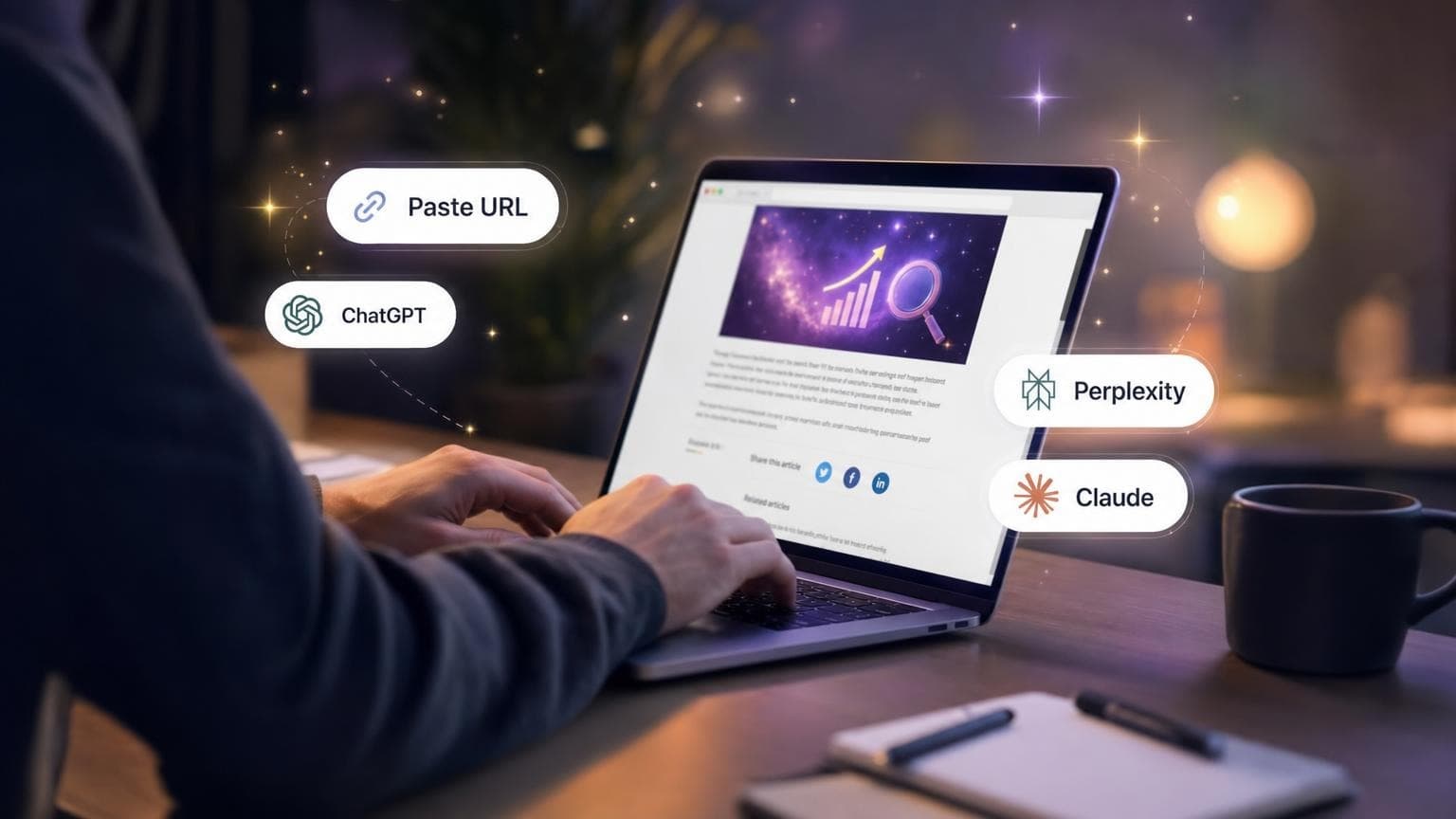
  1. Hands on a laptop showing an article with floating share-button pills

    Step 1

    Paste your content URL

    Paste the page you want people to summarize. Add your brand name so the prompt names you.

    Add your URL

  2. Laptop with floating ChatGPT, Perplexity, Claude, and Grok pills

    Step 2

    Choose the AI platforms

    Choose ChatGPT, Perplexity, Claude, Grok, or all of them. Edit the prompt if you want a different ask.

    Pick platforms
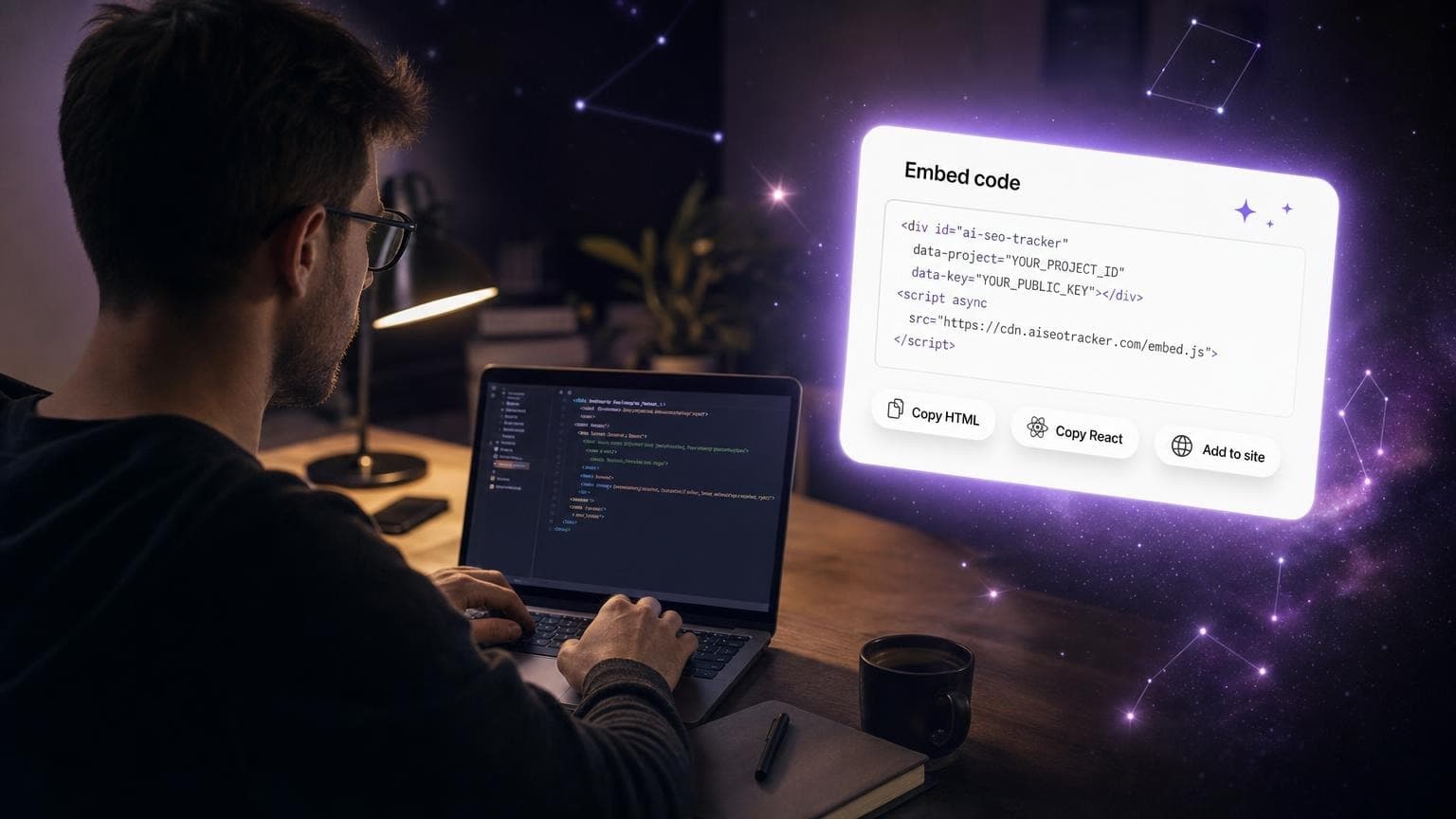
  3. Developer copying embed code with floating HTML and React pills

    Step 3

    Embed the buttons

    Copy HTML or React and drop the buttons on your site. Visitors open a pre-filled prompt in one click.

    Copy the embed

FAQ

FreeAI Share Buttons

Build AI share buttons

Let visitors summarize your page in ChatGPT, Perplexity, Claude, or Grok in one click.

Your buttons and the embed code show below this form as you type.

Select AI platforms

Use {URL} for your content URL and {BRAND} for your brand name

How to use the AI Share Button Generator

Add a URL. Pick the platforms. Copy the embed and put it on your site.

  1. 01.

    Paste your content URL

  2. 02.

    Choose the AI platforms

  3. 03.

    Embed the buttons

Build share buttons
  1. Hands on a laptop showing an article with floating share-button pills

    Step 1

    Paste your content URL

    Paste the page you want people to summarize. Add your brand name so the prompt names you.

    Add your URL
  2. Laptop with floating ChatGPT, Perplexity, Claude, and Grok pills

    Step 2

    Choose the AI platforms

    Choose ChatGPT, Perplexity, Claude, Grok, or all of them. Edit the prompt if you want a different ask.

    Pick platforms
  3. Developer copying embed code with floating HTML and React pills

    Step 3

    Embed the buttons

    Copy HTML or React and drop the buttons on your site. Visitors open a pre-filled prompt in one click.

    Copy the embed

FAQ