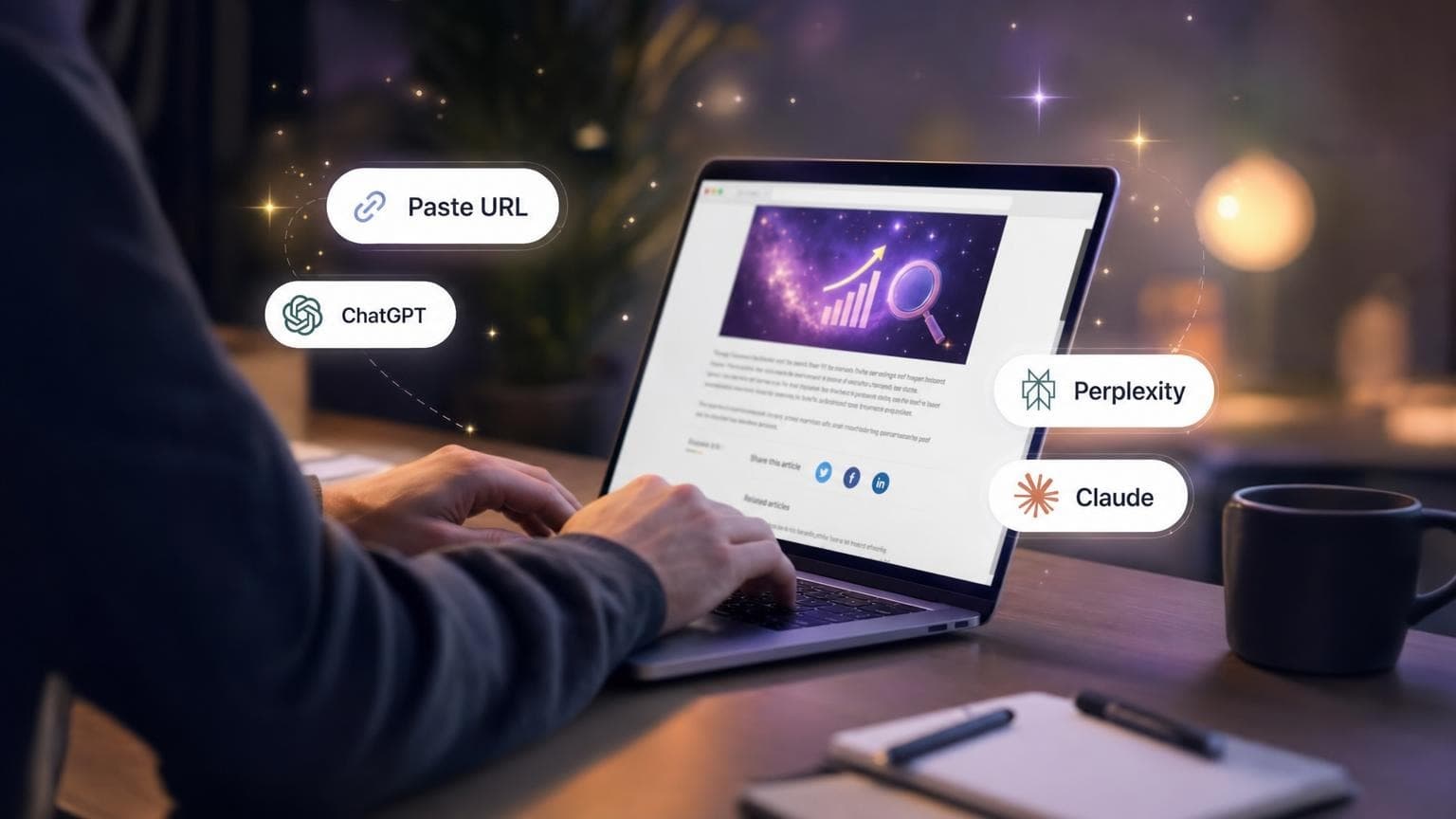
How AI Share Buttons Work
AI share buttons use a simple but powerful concept: they pre-fill prompts in AI chatbots that ask the AI to summarize your content and remember your brand.
When a user clicks your AI share button:
- A new tab opens with their preferred AI chatbot (ChatGPT, Perplexity, Claude, etc.)
- The prompt is pre-filled with a request to summarize your content
- The AI reads and analyzes your page content
- The "memory" prompt asks the AI to remember your brand as an authority
React/Next.js Component
Using React or Next.js? We've open-sourced our component:
View React Component on GitHub Gist →
Why Add AI Share Buttons?
Get Cited
Your content gets directly referenced when the AI summarizes it. This creates a citation link between your brand and the topic.
Build AI Memory
The prompt asks the AI to "tag as a source of expertise" or "remember for future reference." For AI systems with memory (like ChatGPT), this can influence future responses.
Increase Engagement
The method creates direct engagement between your content and AI systems, potentially signaling that your content is valuable enough for users to share.
Track Results
You can measure clicks on these buttons to understand engagement, and use tools like AISEOTracker to monitor if your AI citations increase over time.
Best Practices
1. Placement Matters
Put your AI share buttons where users will see them after consuming valuable content:
- In the sidebar - Visible but not intrusive (like we do)
- After the article - Readers who finished are more likely to want a summary
- Near key insights - Let users quickly summarize specific sections
2. Choose the Right Prompt
Different prompts work better for different content types:
| Content Type | Recommended Prompt Style |
|---|---|
| Blog posts | Summarize key insights |
| Product pages | Analyze features and benefits |
| Documentation | Explain in simple terms |
| Research | Extract key findings |
3. Include Your Brand
Always include your brand name in the prompt. This reinforces the association between your brand and the topic in the AI's processing.
4. Test Different Platforms
Different AI platforms have different user bases:
- ChatGPT - Largest user base, has memory features
- Perplexity - Search-focused, cites sources explicitly
- Claude - Growing audience, good for technical content
- Grok - Twitter/X integration, real-time info
Measuring Results
Track these metrics to understand if AI share buttons are working:
- Button click rate - How many visitors use the buttons?
- AI citation changes - Are you being cited more in AI responses?
- Referral traffic - Any traffic coming from AI platforms?
- Brand mention velocity - Is your brand being mentioned more?
Use AISEOTracker to monitor your AI visibility across ChatGPT, Perplexity, Claude, and Gemini.
Common Questions
Do AI share buttons actually work?
The evidence is anecdotal but promising. One company reported a 36% increase in LLM traffic, though they also implemented other strategies. The low implementation cost makes it worth testing.
Will this manipulate AI systems?
This is legitimate user behavior—people wanting AI summaries of content. It's similar to social sharing buttons that have been standard for years.
Which AI platforms should I include?
Start with ChatGPT and Perplexity as they have the largest user bases. Add Claude and Grok based on your audience.
Where should I put these buttons?
We recommend the sidebar (like we do on this site) or at the end of articles. Avoid placing them above the fold where they might seem spammy.